Welcome to PokerMates
Your complete poker game management solution
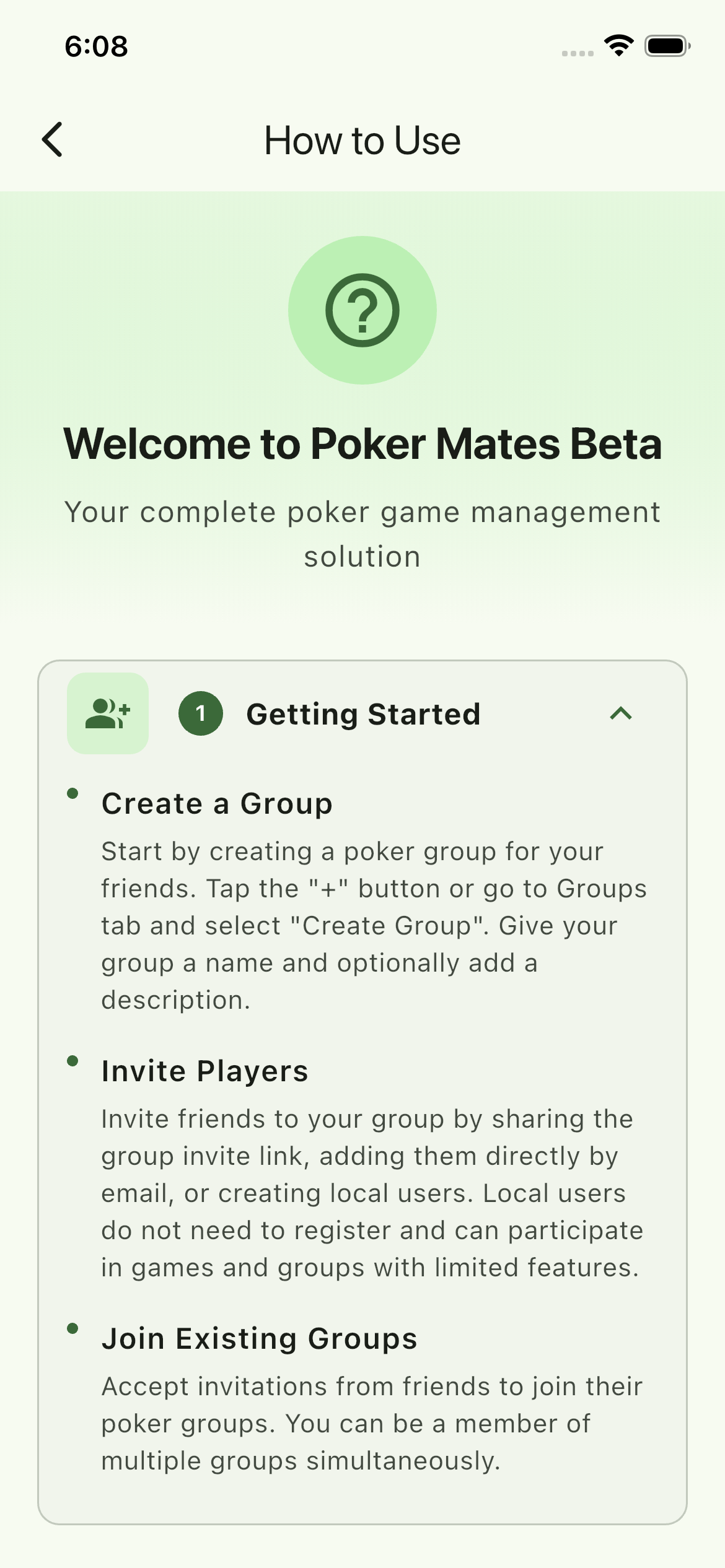
Getting Started
Create a Group
Start by creating a poker group for your friends. Go to the Groups tab and select "Create Group". Give your group a name, description, set the privacy level, choose a default currency, and configure default buy-in amounts.
Invite Players
Invite friends to your group by sharing the group invite link, adding them directly by email, or creating local users. Local users do not need to register and can participate in games and groups with limited features.
Join Existing Groups
Accept invitations from friends to join their groups. You can be a member of multiple groups simultaneously.
Managing Games
Create a Game or Recurring Games
From the Games tab, tap the "+" button to create a new game. Select your group, set the date, time, and location. You can also schedule recurring games (weekly, monthly, etc.) with automatic creation — group members are notified about each upcoming session.
Quick Game
Use Quick Game to instantly start a game with default settings. Perfect for spontaneous sessions — just select players and begin without extra setup.
RSVP to Games & Email Invites
Let others know if you're attending by RSVPing as Going, Maybe, or Not Going. You can change your response anytime before the game starts. Game admins can send RSVP email invitations to all participants for easy reminders.
Set Up Seating Chart
Use the seating chart feature to arrange players around the table. Seats can be randomized or manually assigned, helping organize the game and ensuring everyone has a designated spot.
Game Status
Games progress through stages: Scheduled, In Progress, Completed, or Cancelled. The Games dashboard organizes all games into tabs by status, with sorting and group filtering options.
Tracking Buy-ins & Cash-outs
Record Buy-ins
When a player buys in, record the amount in the game. Players can buy in multiple times during a session (rebuys). All transactions are tracked with timestamps.
Record Cash-outs
At the end of the game, record each player's final chip count as their cash-out. The app automatically calculates each player's profit or loss.
Financial Balance
Total buy-ins must equal total cash-outs for the game to be completed. This ensures accurate record-keeping and prevents errors.
Settlements
Automatic Calculation
After a game ends, PokerMates automatically calculates who owes whom. The settlement algorithm minimizes the number of transactions needed.
Two-Way Confirmation
Settlements use a two-step process: the payer confirms they sent the payment, then the receiver confirms they received it. This ensures both parties agree the debt is settled before it's marked complete.
Payment Reminders
When someone confirms they've paid you, a reminder appears the next time you open the app or visit the group. Confirm receipt with a single tap. Reminders reappear until acknowledged.
Payment Methods
Track settlements via cash, Venmo, PayPal, or Zelle. Add your payment usernames in your profile so other players can find your details and settle up outside the app.
Game Moments
Capture Moments
During a game, tap "Add Moment" to capture memorable poker moments — great hands, big pots, bluffs, bad beats, all-ins, funny moments, and celebrations. Any game participant can add moments with color-coded badges for each type.
Add Photos & Captions
Attach up to 5 photos per moment. Any player can add photos to any moment, with "Photo by [Name]" attribution. Add captions up to 280 characters to describe the moment — tap to edit anytime.
Photo Gallery
View photos in a full-screen gallery with swipe navigation, pinch-to-zoom, and dot indicators. Long-press a photo to delete it. Game admins can delete any moment or photo.
Statistics & Leaderboards
Recent Games View
View your most recent games across all groups. Use time filter chips (Week, Month, Year, All) to narrow results, or search games by name. Your name is highlighted in all game results for quick reference.
Group Summary View
Select a group to see comprehensive analytics including total games played, total players, and a win/loss record table for every member. Drill down into game-by-game breakdowns with player rankings.
Player Rankings
Players are ranked by net result (highest to lowest). Tied players share the same rank. Net results are color-coded green for wins and red for losses.
Game History
Browse through past games to see detailed results, including all participants, transactions, and settlements.
Predictions
Make Predictions
Predict who will be the top 3 players in your group for a given time period. Select a group, choose a period (Week, Month, Year, or All-time), and pick your predicted 1st, 2nd, and 3rd place winners.
Prediction Leaderboard
See how accurate your predictions are compared to other group members. The leaderboard tracks prediction accuracy over time so you can compete with friends.
Time Periods
Predictions reset based on the selected period. Make new predictions each week, month, or year to keep the competition going.
Rules of Engagement
Group House Rules
Set house rules for your poker group from a catalog of 25+ built-in rules across 5 categories: Etiquette, Showdown, Betting, Gameplay, and House Rules. Each rule is numbered (e.g., E1, B3, G5) for easy reference during games.
Configurable Stances
Most rules have configurable stances — for example, "Rabbit Hunting" can be set to "Allowed" or "Not Allowed", and "Minimum Raise Amount" can be "Must Double", "Any Amount", or "Pot Limit". Group admins set the default stance for each rule.
Game-Level Overrides
Game hosts can override group rules for a specific game. For example, the group might allow pre-flop raises normally, but the host can set a particular game as "friendly — no pre-flop raises". Game rules can only be changed while the game is in Scheduled status.
Custom Rules
Create your own custom rules and choose whether to make them private (your group only) or public (visible to all groups). Custom rules can include their own stance options.
Share Rules
Share your group's rules with all players via WhatsApp or email before the game. The shared message includes rule numbers, stances, and game details so everyone knows the house rules in advance.
View Rules on Game Day
Every game shows the active rules on the game detail screen. Tap "Rules of Engagement" to see the full list with descriptions. Game-overridden rules are highlighted so players can see what's different from the group defaults.
Food Orders
Coordinate Food for Game Night
Set up a food order for any game. Choose from three modes: the host orders for everyone, share a restaurant order link, or let players pick from a menu.
Order Tracking
Track who has ordered, who hasn't, and what everyone wants. Players can add dietary restrictions and special requests.
Share Order Links
Share the food order link via WhatsApp so players can place their orders directly. The host can see all orders in one place.
Locations & Maps
Save Game Locations
Save frequently used addresses as group locations or personal hosting addresses. When creating a game, pick from saved locations instead of typing the address each time.
Open in Maps
Tap any game location to open it in Google Maps or Apple Maps with one tap. Get directions straight from the game detail screen.
Share Location with Players
Game admins can share the location with all participants via a push notification so everyone gets the address without having to ask.
Privacy Controls
If you host at your home, control which groups can see your address. Toggle visibility per group from the Address Sharing settings. Players in groups where you haven't shared will see "Private Location" instead of your address.
Notifications & Sharing
Push Notifications
Receive real-time push notifications for new games, RSVP updates, buy-ins, game started/ended, settlements, rule changes, food orders, location shared, and role changes. Each group has its own notification settings — turn them on for your main groups and off for casual ones.
RSVP Emails
Game admins can send RSVP invitation emails to all participants. Each email includes game details (date, time, location, buy-in) and one-click RSVP buttons — players can respond directly from their inbox without opening the app.
Share via WhatsApp
Share game details, RSVP status, settlement summaries, rules of engagement, and food orders via WhatsApp. Messages are pre-formatted with bold text, emojis, player lists, and app links for easy reading.
Share via Email
Share rules and game info via email to all group members. The app shows you the recipient list for confirmation, then opens your email client with all addresses and the message pre-filled.
Settlement Sharing
After a game, share the settlement summary via WhatsApp showing who owes whom, player results (wins and losses), and an app link to view full details.
Location Sharing
Game admins can send the game location to all participants as a push notification. Players receive the address and can open it directly in Google Maps or Apple Maps.
Profile & Payments
Edit Your Profile
Update your name, email, phone number, and upload a profile avatar. Add your Venmo, PayPal, and Zelle usernames so other players can easily find your payment details to settle up outside the app.
Address Sharing
Add your address to your profile for use as a game location. Control which groups can see your address on a per-group basis from the Address Sharing settings screen.
Group Administration
Admin & Game Admin Roles
Group creators are automatically admins. Admins can invite/remove members, create/edit games, manage rules, and configure group settings. Game admins can be assigned for individual games to help manage buy-ins, seating, rules, and game progress.
Member Management & Local Users
Admins can promote members to admin status or remove them from the group. You can also create local users who do not need to register — useful for quick setup or guests.
Group Settings Dashboard
The group detail screen shows a settings summary at the bottom: active rules count, notification status, RSVP email settings, max players per table, display preferences, and more. Tap to jump straight to the edit screen.
Feedback & Support
Send Feedback
Use the Feedback screen to submit feature requests, bug reports, or general feedback. Choose a category, describe your feedback, and submit directly from the app.
Get Help
Access the Support screen from the navigation menu for help documentation and contact information. You can also email the development team directly.
Tips for Best Experience
- Set Up House Rules First: Before your first game, go to the group's Rules of Engagement and activate the rules your group follows. Share them via WhatsApp so everyone knows the house rules before sitting down.
- Record Transactions Promptly: Enter buy-ins and cash-outs as they happen to avoid confusion later. For recurring games, review each instance to ensure all transactions are recorded.
- Complete Games Properly: Always mark games as completed after entering all cash-outs. This triggers settlement calculations and updates stats.
- Keep Your Profile Updated: Add your Venmo/PayPal/Zelle username so other players can quickly find your payment details to settle up outside the app.
- Use Locations & Seating: Save frequently used game locations for quick selection when scheduling games. Use seat assignment to organize the table and improve game flow.
- Coordinate Food Early: Set up the food order when you create the game so players can submit their orders before game night. Saves time and avoids last-minute chaos.
- Customize Notifications: Turn on notifications for your main groups and tune them off for casual ones. You'll never miss a game invite or settlement reminder.
- Make Predictions for Fun: Use the Predictions feature to add a competitive edge outside the game. Predict top players each period and compete with friends on accuracy.
Need Help?
If you have questions or run into issues, check out our Support page or reach out to our team.